

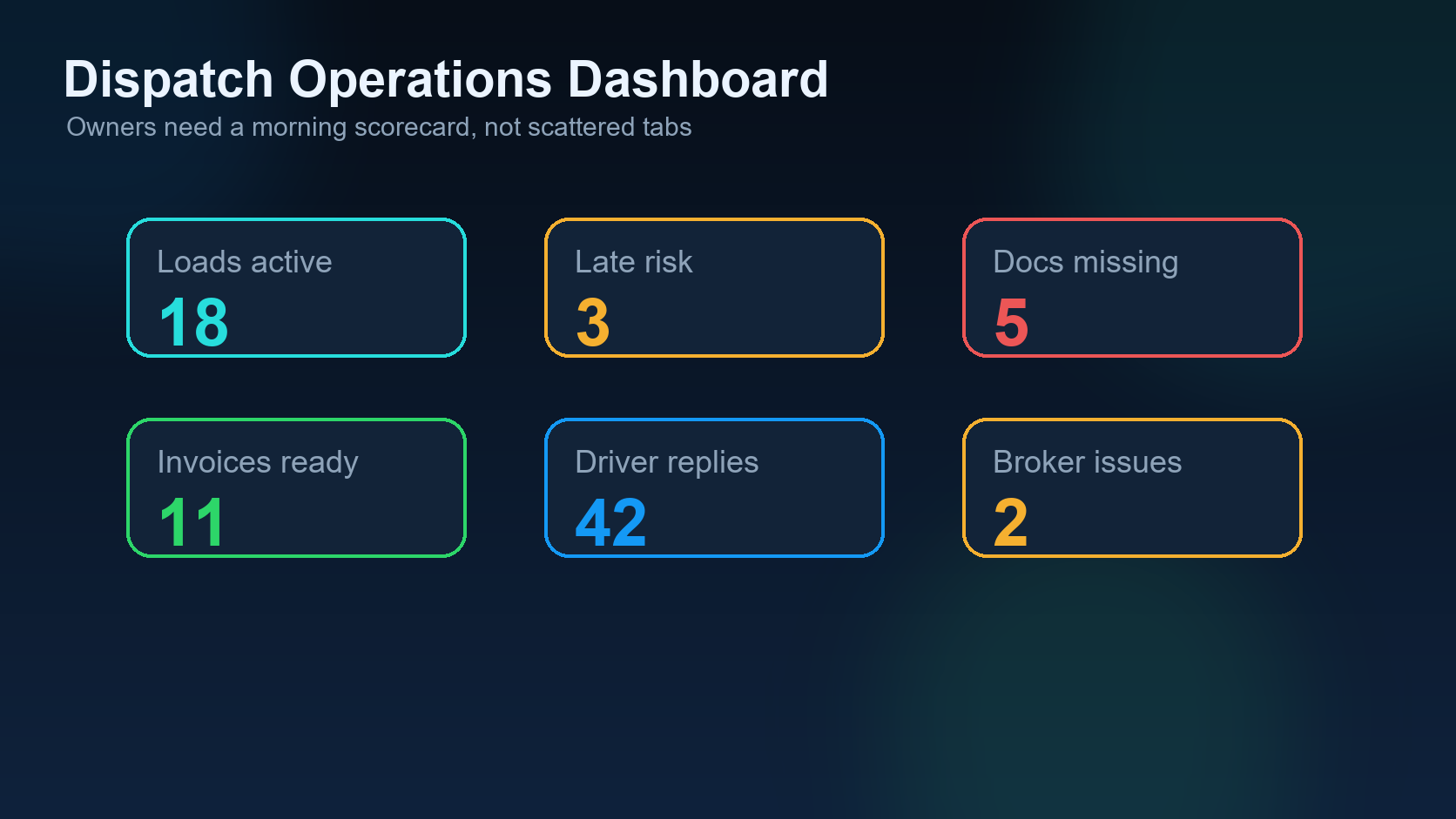
A dispatch operations dashboard should help an owner understand the business before the phones get busy. It should not be a wall of charts. It should answer practical questions: which trucks are available, which loads are at risk, which documents are missing, which invoices need attention, and which exceptions require a decision today?
This post continues the DIINI Dispatch AI series after detention and accessorial tracking. Once dispatch workflows are connected, the owner needs a clean morning view of the operation.
1. Available trucks
The first metric is availability. Owners should know which trucks are empty, loaded, delivering today, out of service, or waiting on paperwork. Available truck visibility drives load planning and prevents missed revenue.
2. Active loads by stage
A strong dashboard separates loads by stage: offered, accepted, packet released, at pickup, in transit, at delivery, POD received, invoiced, and paid. This helps the owner see bottlenecks instead of only total load count.
3. Exceptions open today
Open exceptions should be near the top of the dashboard. Delays, missing documents, broker disputes, driver silence, facility wait time, and payment problems all need ownership. If the exception has no owner, it is not controlled.
4. Missing documents
Missing POD, BOL, lumper receipt, rate confirmation, or accessorial approval can block payment. The dashboard should show missing documents by load and age so the team does not wait until accounting day to discover the gap.
5. Invoice-ready loads
Delivered loads should not sit idle. If the documents are clean, the invoice should be created. If the documents are not clean, the dashboard should show what is missing and who must fix it.
6. Payment follow-up
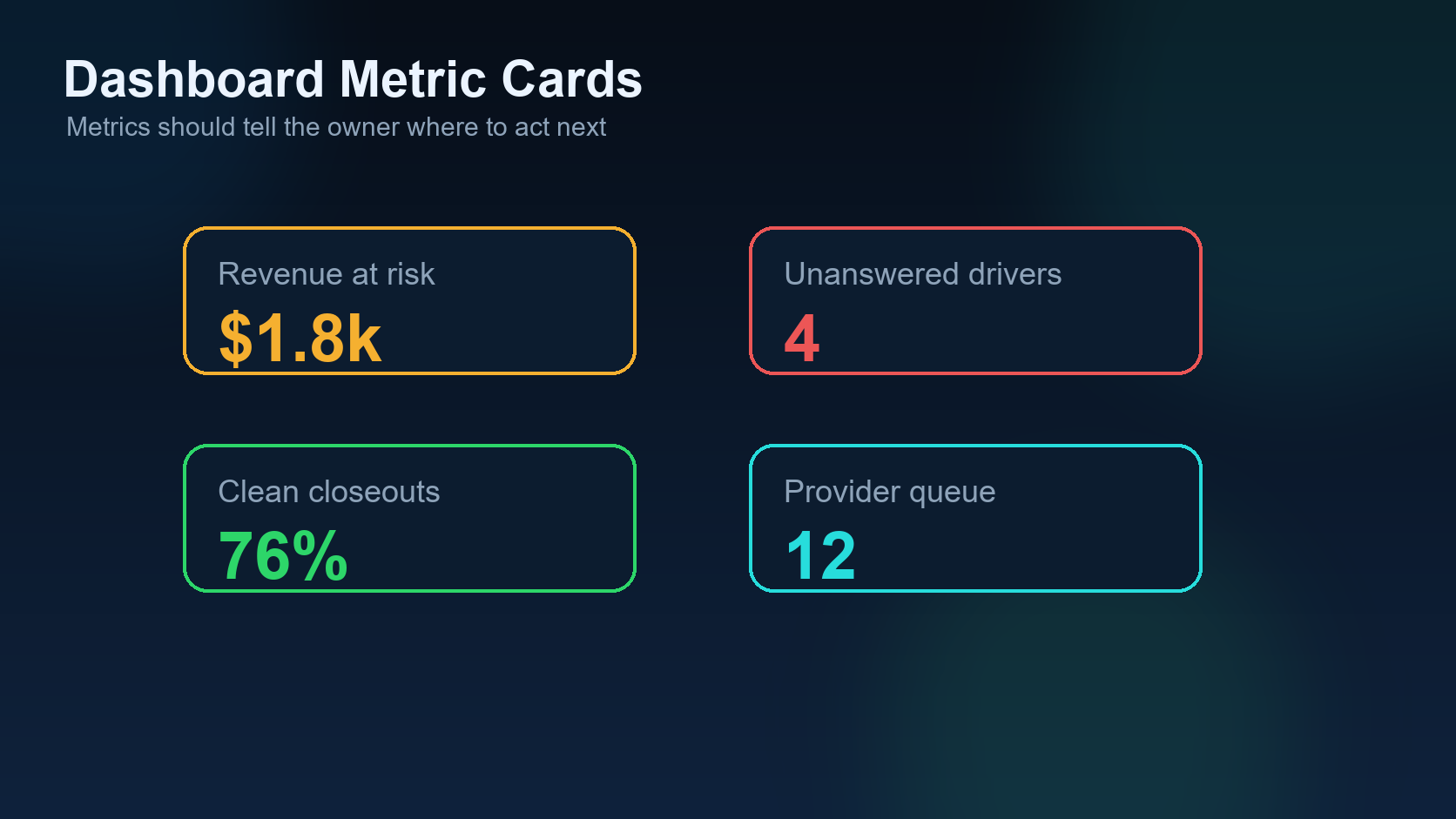
Owners should see invoices aging, promised payments, disputed charges, and collection follow-ups. Cash flow is not only an accounting concern; it starts with dispatch paperwork quality.
7. Communication health
If email, SMS, WhatsApp, or calls fail, the dashboard should make that visible. A message that never reaches the driver or broker can create operational risk even if the load itself is fine.
Morning dashboard table
| Metric | Owner question | Action if red |
|---|---|---|
| Available trucks | What can we book today? | Prioritize load search and driver contact. |
| Open exceptions | What can fail today? | Assign owner and deadline. |
| Missing documents | What blocks billing? | Request POD/BOL/receipts immediately. |
| Aging invoices | What affects cash flow? | Follow broker or factoring process. |
Dispatcher takeaway
A dashboard should create action, not decoration. If the owner cannot look at the dashboard and know what must happen next, the dashboard is not operational enough.
FAQ
How many metrics should an owner dashboard show? Start with the metrics that change daily decisions: trucks, active loads, exceptions, missing documents, invoices, and collections.
Should every dispatcher see the same dashboard? Not always. Owners need business-wide visibility, while dispatchers need the loads and drivers they are responsible for.
Related DIINI reading
- Detention and Accessorial Tracking: 7 Proof Points That Protect Dispatch Revenue
- About DIINI Dispatch AI
Mini case: the owner sees revenue but misses risk
An owner opens the dashboard and sees that five trucks are loaded. That sounds good, but the deeper view tells a different story: one truck is waiting at a shipper, one delivered without a POD, one invoice is missing a lumper receipt, and one broker has not responded to a payment follow-up. The operation looks busy, but cash flow and service risk are building underneath.
This is why a dispatch operations dashboard should not only count loads. It should show the condition of the workflow. The owner needs to see where attention is required before the day becomes reactive.
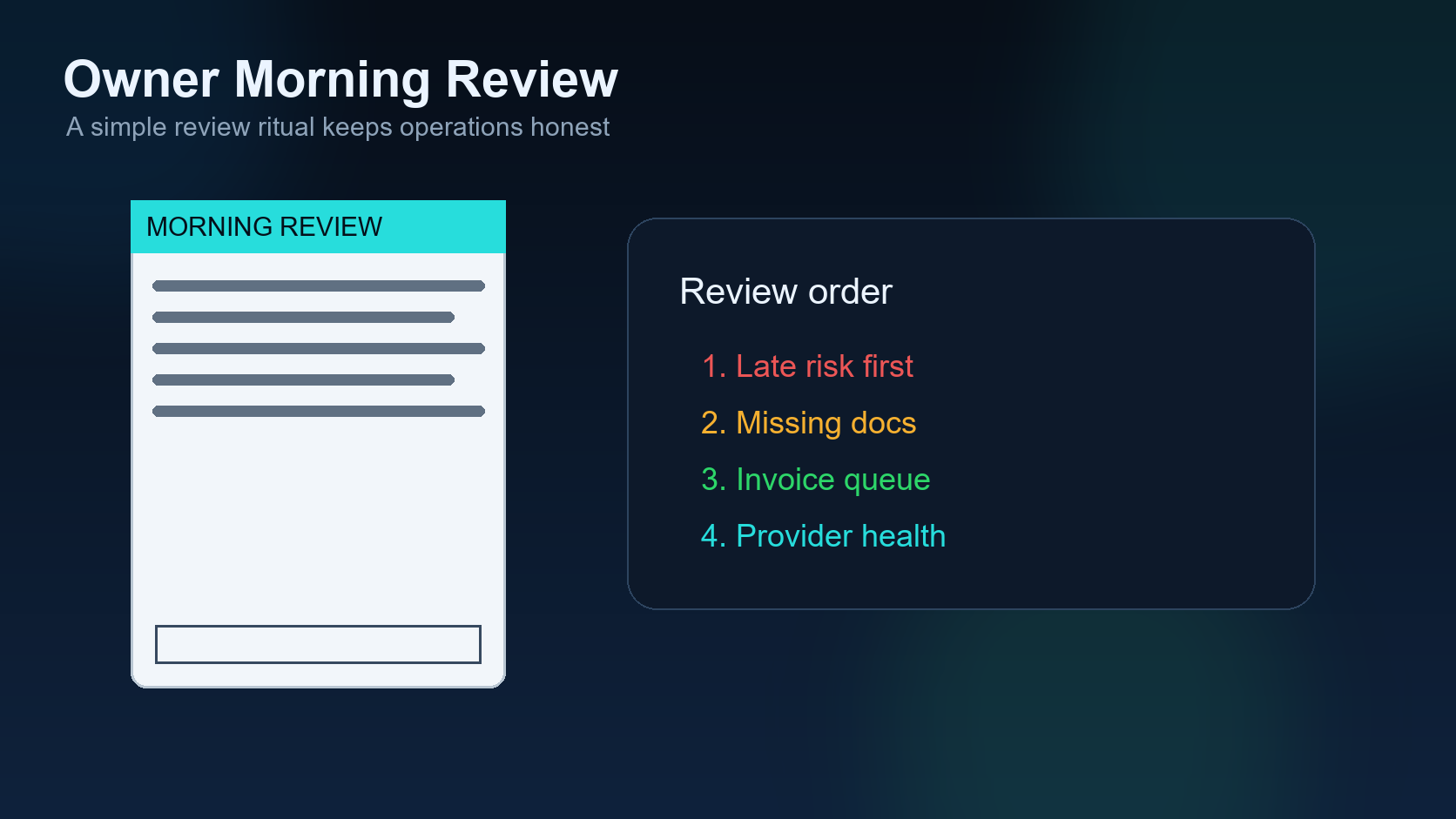
Morning review sequence
- Check available trucks and trucks delivering today.
- Review active loads by stage.
- Open the exceptions list and assign owners.
- Review missing documents blocking billing.
- Check invoice-ready loads and aging invoices.
- Review communication provider failures or missed driver updates.
- Decide the top three actions for the team before noon.
Owner dashboard vs dispatcher dashboard
| View | Primary question | Best user |
|---|---|---|
| Owner dashboard | What affects service, revenue, and cash flow? | Owner or manager. |
| Dispatcher dashboard | What do I need to do for my loads now? | Dispatcher. |
| Billing dashboard | What can be invoiced or collected? | Accounting or admin. |
How DIINI-style automation should handle this
In a DIINI-style workflow, the dashboard should be connected to live operating records instead of manually updated summaries. When a driver confirms YES, the load moves forward. When the packet is released, the dashboard changes stage. When delivery is complete but POD is missing, the dashboard shows billing risk. When an exception is open, the owner sees who owns it.
The dashboard should also avoid vanity metrics. Total page views, total messages, or total tasks may be interesting, but they do not always help the owner make a better decision. The useful dashboard shows the work that needs attention now.
Practical owner review
Owners should start the day by asking three questions: what can we book, what can fail, and what can be billed? If the dashboard answers those questions quickly, it is doing its job.
Field checklist for the morning review
A practical morning dashboard review should end with assigned action. The owner should know which truck needs a load, which load needs a driver update, which exception needs escalation, which delivery needs POD, and which invoice needs follow-up. If the dashboard only shows numbers but does not create action, the team will still manage the day from memory and messages.
Final dispatch note: the dashboard should support calm decisions. When the owner can see trucks, load stages, exceptions, documents, invoices, and provider health in one place, the business becomes less dependent on emergency phone calls and more dependent on a repeatable operating rhythm.