

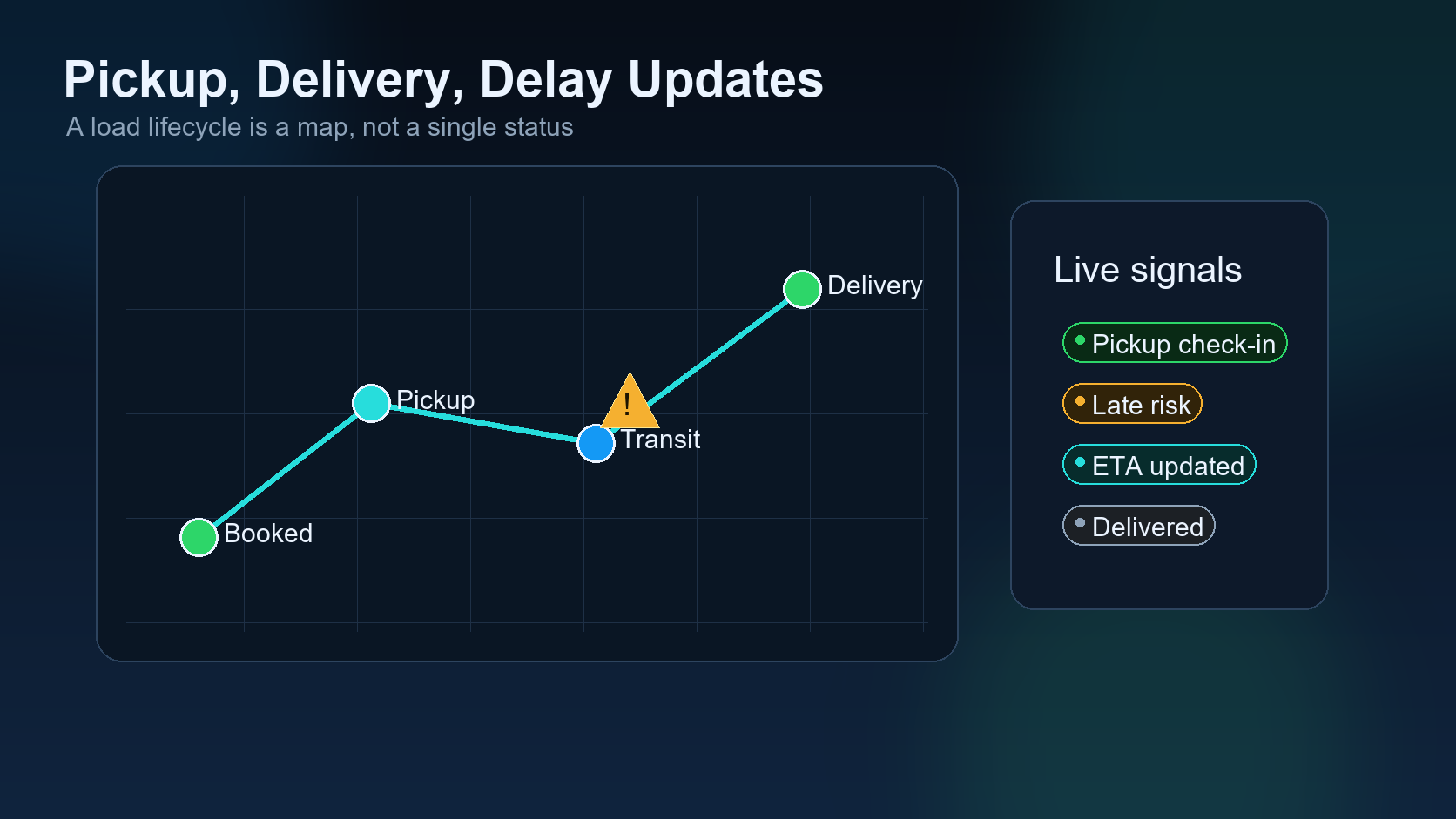
Delay updates are one of the most important signals in pickup and delivery tracking. Before this point, the team has evaluated the load, matched the driver, received confirmation, and released the packet. Now the truck is moving, and the system has to watch what is happening without creating noise.
Previous article in the series: Dispatch Packet Release.
This seventh article in the DIINI AI series follows Dispatch Packet Release. Once a load is released, the dispatcher needs clear lifecycle signals: arrived, loaded, delayed, delivered, and ready for documents.
The mistake many systems make is treating every update the same. A driver message, a GPS ping, a broker email, and a missed appointment are different signals. AI can help sort them, but the dispatcher still needs a practical workflow.
1. Track arrival separately from pickup
Arriving at the shipper is not the same as being loaded. A driver may arrive on time and still wait for hours. The system should record arrival as its own event so detention and service issues can be understood later.
2. Capture loaded status clearly
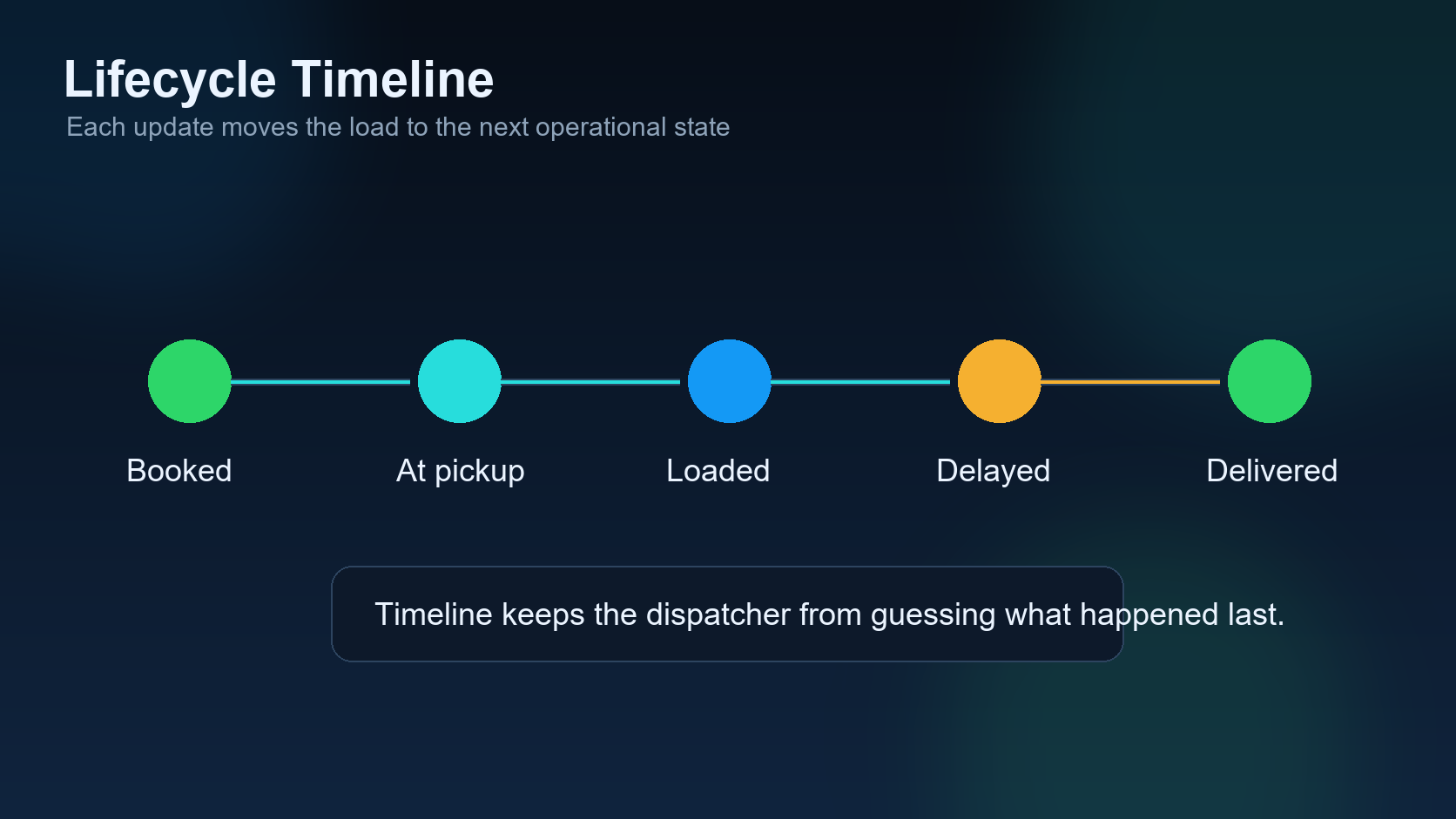
Loaded status should include time, location, and any important notes. If the driver says the load is picked up, the dispatcher should know whether paperwork was received and whether the driver is rolling toward delivery.
3. Treat delay as an event, not an excuse
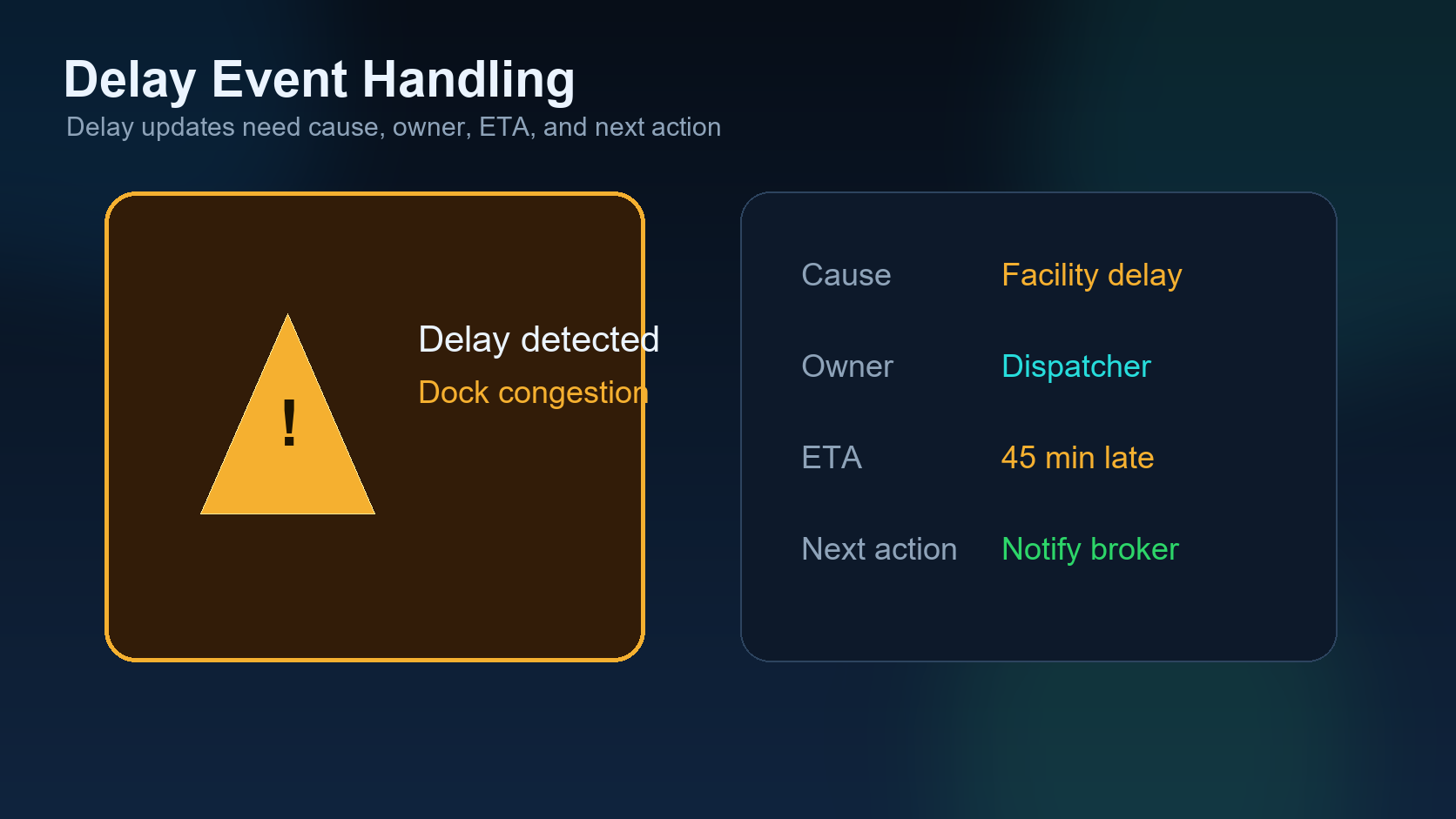
Delay updates should include the reason, time, driver, load ID, and who needs to be notified. Weather, facility delay, traffic, breakdown, and appointment problems should not all be dumped into one vague note.
4. Keep broker communication controlled
AI can draft a delay message, but it should not send sensitive updates without the dispatcher knowing what is being said. The best workflow prepares the message, shows the facts, and lets the dispatcher approve the send.
5. Protect detention evidence
If a driver waits too long at pickup or delivery, the team may need detention documentation. Arrival time, loaded time, departure time, and notes should be captured while the facts are fresh.
6. Separate delivered from closed
Delivered means the freight reached the consignee. Closed means the documents, invoice, and payment workflow are complete. Treating those as the same status creates billing problems.
7. Keep the dashboard simple
A dispatcher does not need a hundred alerts. They need the few that matter: loads at risk, drivers waiting, delays requiring approval, and delivered loads needing documents. AI should make that list shorter, not longer.
How AI supports the lifecycle
AI is useful when it turns scattered updates into clean operating states. It can classify messages, draft broker updates, flag detention risk, and remind the team which load needs attention. But the system should still respect human approval when money, service, or customer communication is involved.
The next article explains what happens after delivery: POD upload, invoice audit, and payment closeout.
Dispatcher field example: the delay update that saves the load
A driver is 45 minutes from pickup and traffic suddenly adds another hour. If the dispatcher waits until the appointment is missed, the broker hears about the problem too late. A useful delay update should capture current location, new ETA, cause of delay, appointment risk, and whether the broker or shipper has already been notified.
The dispatcher does not need noise every five minutes. The dispatcher needs the right signal at the moment the load outcome can still be protected.
Status signal table
| Status | Signal to track | Best action |
|---|---|---|
| Before pickup | Driver ETA vs appointment. | Notify broker early if risk appears. |
| At shipper | Loaded, waiting, rejected, or delayed. | Capture detention clock and reason. |
| In transit | ETA changes, weather, breakdown, traffic. | Send update only when it changes the plan. |
| At receiver | Delivered, waiting, lumper, POD status. | Move immediately toward POD collection. |
Common mistake
The mistake is treating updates as messages instead of operational signals. A good update should answer: what changed, who needs to know, and what happens next?
Related DIINI reading
Dispatcher takeaway: not every update deserves the same urgency
A useful dispatch system should separate normal progress from exception risk. “Driver is on the way” is normal progress. “Driver ETA is now after appointment cutoff” is exception risk. “Loaded and rolling” moves the workflow forward. “Waiting at shipper for two hours” may trigger detention tracking. Treating every update the same makes dispatchers ignore the system when it matters most.
Mini FAQ
When should a broker be notified about delay risk? As soon as the ETA threatens the appointment window or service commitment. Early notice gives the broker time to protect the load with the shipper or receiver.
What should be logged with every delay? Current location, cause, new ETA, who was notified, time notified, and next follow-up time.