

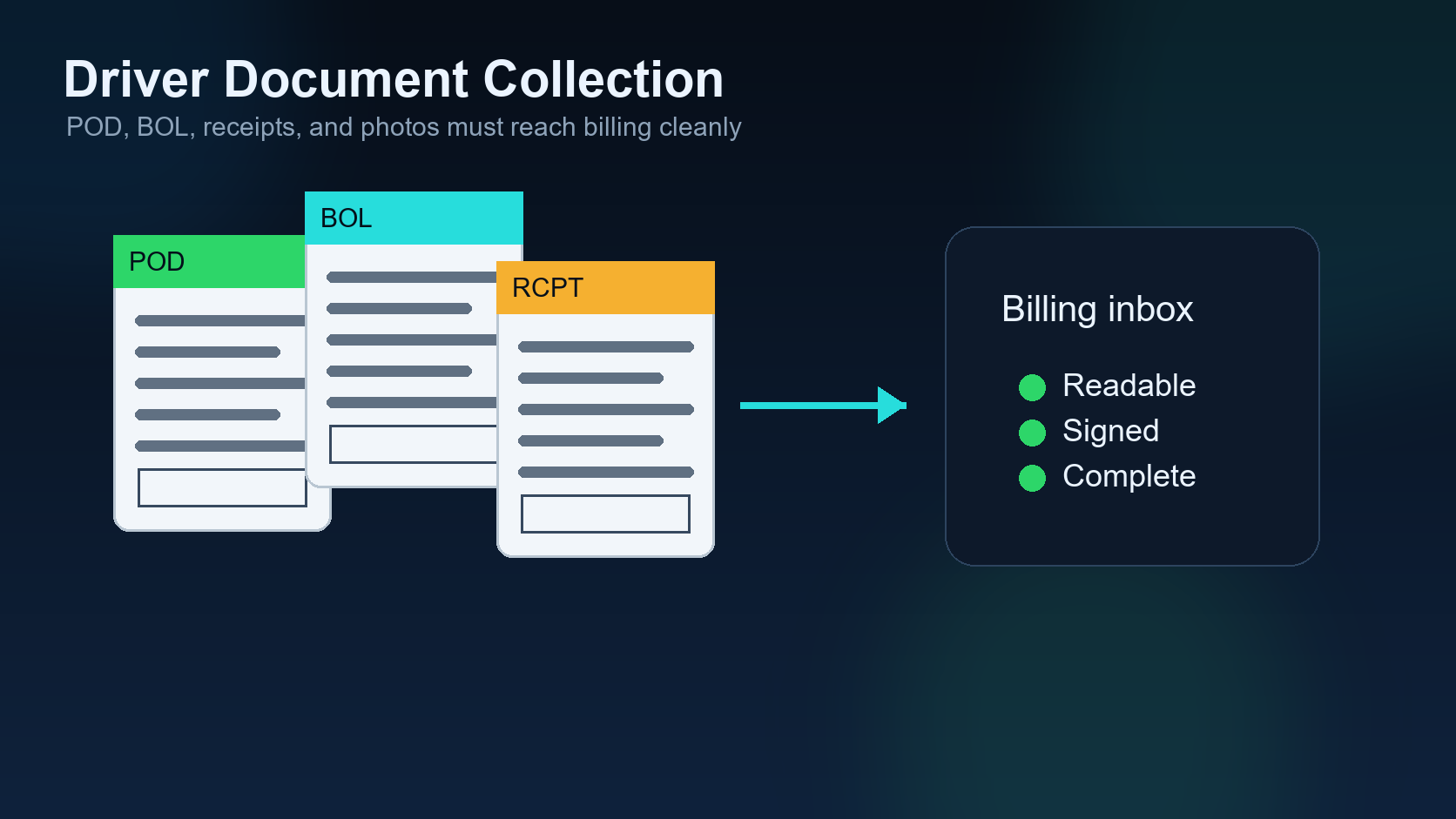
Driver document collection is one of the most important handoffs in a dispatch operation. A load can be booked correctly, picked up on time, delivered safely, and still create cash-flow problems if the paperwork is missing, blurry, incomplete, or stored in the wrong place.
This post continues the DIINI Dispatch AI series after exception management. Once a load has moved through pickup, transit, delivery, and exception handling, the next question is simple: can the company bill the load cleanly today?
1. Confirm the POD is complete
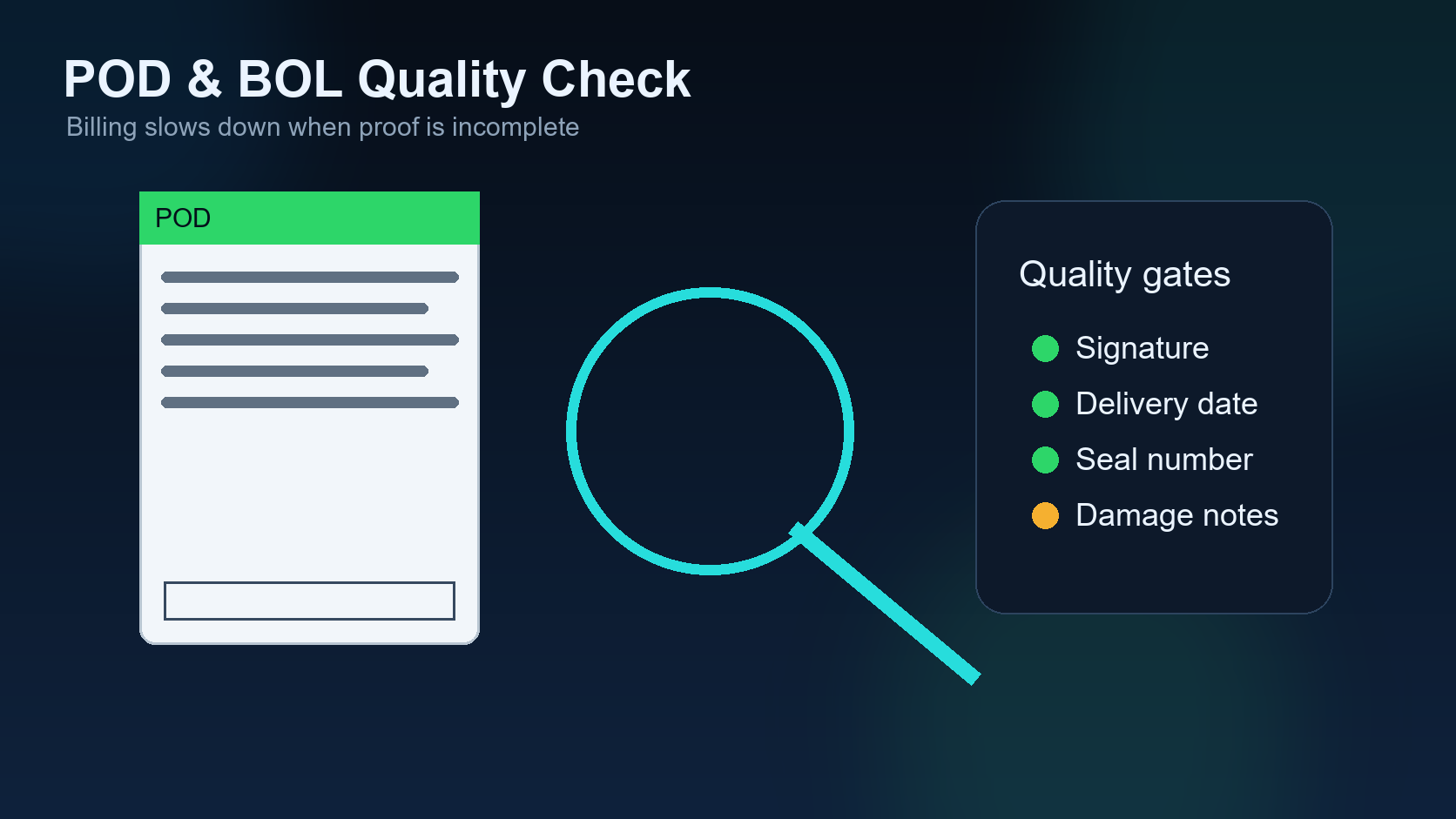
The POD should show the delivery date, receiver confirmation, signature or stamp where required, and all pages needed by the broker or factoring company. A single missing page can turn a delivered load into a billing delay.
2. Check image quality before the driver leaves the receiver
Many document problems are preventable if the dispatcher checks the image immediately. If the POD is blurry, cut off, too dark, or missing a signature, the best time to fix it is while the driver is still at the receiver.
3. Match documents to the correct load
Dispatch teams handling multiple trucks can easily receive photos in text threads without enough context. A good system should tie each document to the right load, driver, broker, date, and reference number.
4. Capture accessorial proof
Detention, lumper, layover, truck ordered not used, and extra stop charges require proof. The document collection process should ask for receipts, timestamps, authorization messages, and broker approval where needed.
5. Keep rate confirmation with the invoice packet
The billing packet should not depend on someone searching an email thread later. Rate confirmation, POD, receipts, invoice, and accessorial proof should live together. That makes follow-up faster and reduces payment disputes.
6. Log who requested and received the document
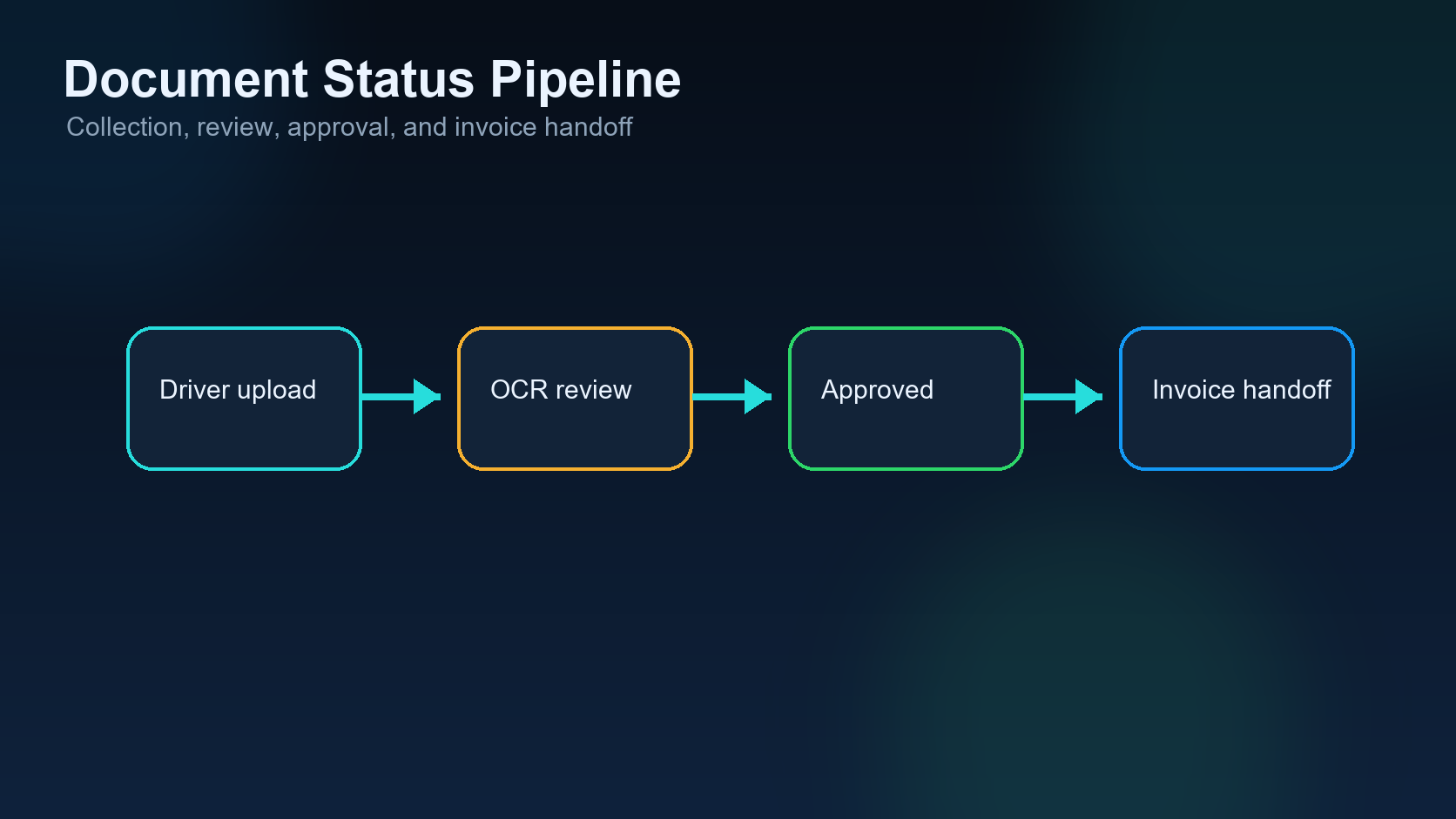
If a driver says the POD was sent, the system should show when it was requested, when it arrived, and whether it passed review. This avoids repeated messages and helps new team members understand the current billing status.
7. Move clean paperwork into invoice workflow
Document collection is not complete when the file arrives. It is complete when the paperwork is clean enough to invoice. The workflow should move the load from delivered to invoice-ready only after the required checks pass.
Document collection checklist
| Document | Check | Why it matters |
|---|---|---|
| POD/BOL | Readable, complete, signed if required | Core billing proof. |
| Rate confirmation | Correct rate, dates, load number | Matches broker payment terms. |
| Lumper receipt | Amount and approval captured | Protects reimbursement. |
| Detention proof | Arrival/departure timestamps | Supports accessorial recovery. |
Common mistake
The common mistake is letting documents stay inside phone messages. That works for the moment, but it fails when accounting needs a complete packet two days later. The dispatch process should collect, verify, and file documents as part of the load lifecycle.
FAQ
Should drivers send documents by text? They can, but the dispatch system should still save the files into the correct load record so billing does not depend on a phone thread.
When should a missing POD be escalated? Immediately after delivery if the driver has not provided a readable copy.
Related DIINI reading
- Dispatch Exception Management: 7 Signals Before a Small Delay Becomes a Service Failure
- About DIINI Dispatch AI
Mini case: the blurry POD that delays payment
A driver delivers at 7:30 AM and sends a photo of the POD while walking back to the truck. The dispatcher sees the message but does not open the image. Two days later, billing discovers the signature is cut off and the receiver stamp is unreadable. Now the driver is on another load, the receiver is hard to reach, and the broker will not process the invoice until a clean copy is provided.
This is a document collection failure, not a delivery failure. The load was delivered, but the billing proof was not verified when the problem was easiest to fix.
Driver instruction template
Dispatch teams can reduce document problems by giving drivers a simple instruction: take the photo on a flat surface, include all four corners, check that the signature or stamp is visible, send every page, and wait for confirmation before leaving if the receiver paperwork is unusual. This is simple, but it prevents many billing delays.
Document status labels
| Status | Meaning | Next action |
|---|---|---|
| Requested | Driver has been asked for the file. | Wait or follow up by deadline. |
| Received | File arrived but has not been checked. | Review readability and completeness. |
| Rejected | File is blurry, missing, or wrong. | Ask driver or broker for replacement. |
| Invoice-ready | Document passed review. | Move to billing packet. |
How DIINI-style automation should handle this
In a DIINI-style workflow, document collection should start before delivery is forgotten. When a load reaches delivered status, the system can automatically ask whether POD is received, whether it is readable, and whether accessorial proof is attached. If the answer is no, the load should stay out of invoice-ready status.
That simple control protects the back office. Accounting should not have to inspect every message thread to find paperwork. The dispatch record should already show whether the file exists, who reviewed it, and what still blocks billing.
Practical owner review
Owners should review missing documents daily. A short list of delivered loads without invoice-ready paperwork is one of the most useful reports in a dispatch business. It tells the team exactly where cash flow is getting stuck.
Field checklist before billing
Before a delivered load moves to billing, the dispatcher should ask five simple questions: do we have every page, can we read every page, does the document match the load, are accessorial receipts attached, and did someone review the file? If any answer is no, the load is not truly invoice-ready. This checklist keeps billing from becoming a guessing game and gives the driver a clear request when something must be corrected.