

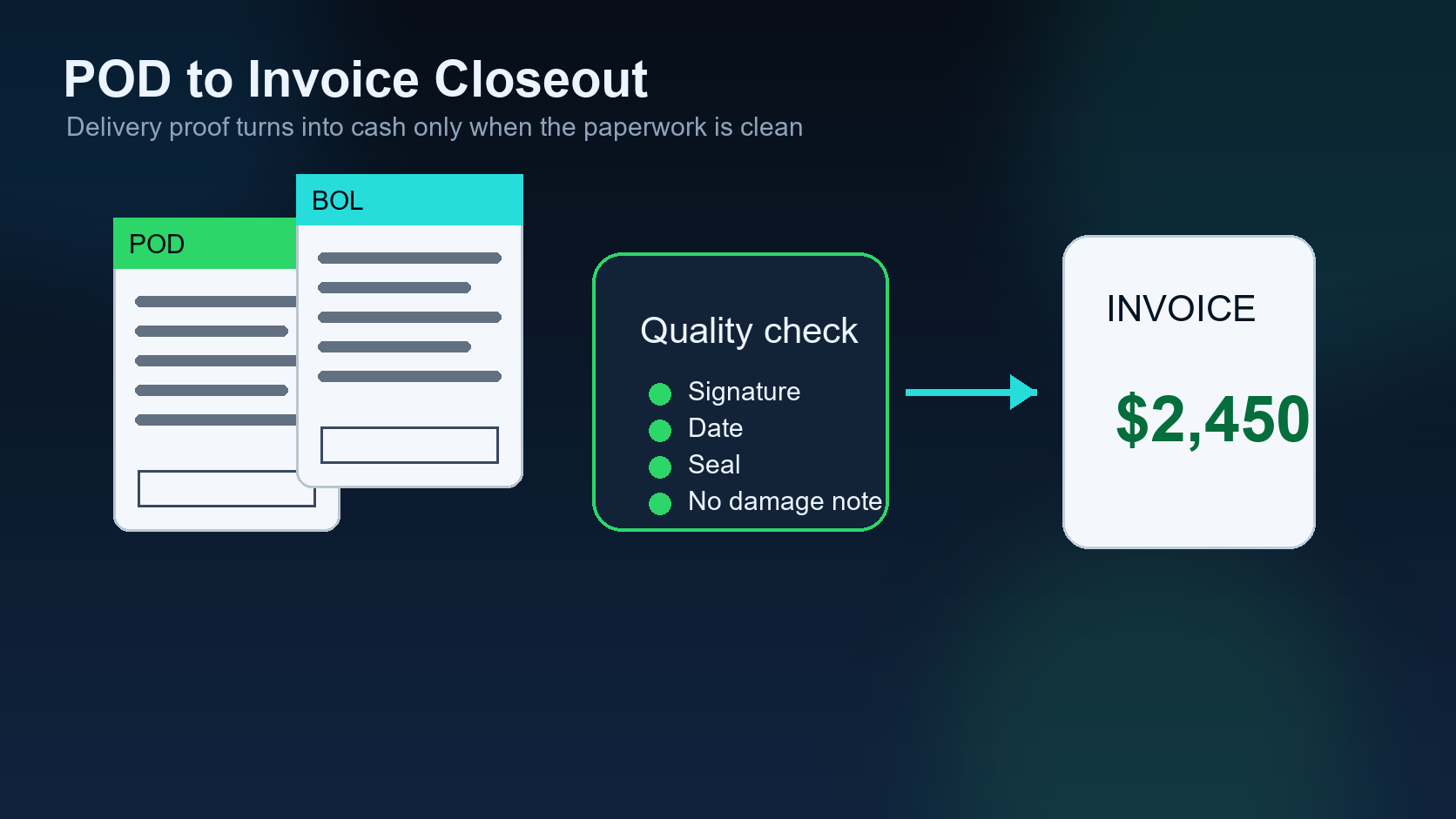
POD to invoice is where dispatch operations turn completed miles into collected revenue. A load can be delivered perfectly and still hurt cash flow if the proof of delivery is missing, the invoice is wrong, or the payment follow-up never happens.
Previous article in the series: Pickup, Delivery, and Delay Updates.
This eighth article in the DIINI AI series continues from Pickup, Delivery, and Delay Updates. Once the load is delivered, the dispatcher’s job is not finished. The back-office workflow has to protect the money.
Carriers often lose time here because documents live in one place, rates in another, and broker messages somewhere else. AI can help by checking the workflow, but it should not create invoices blindly. The money side needs accuracy.
1. Confirm delivery before billing
The system should not start invoice closeout until delivery is recorded. Delivered status should include the load ID, driver, timestamp, and any notes that may affect billing.
2. Collect the POD
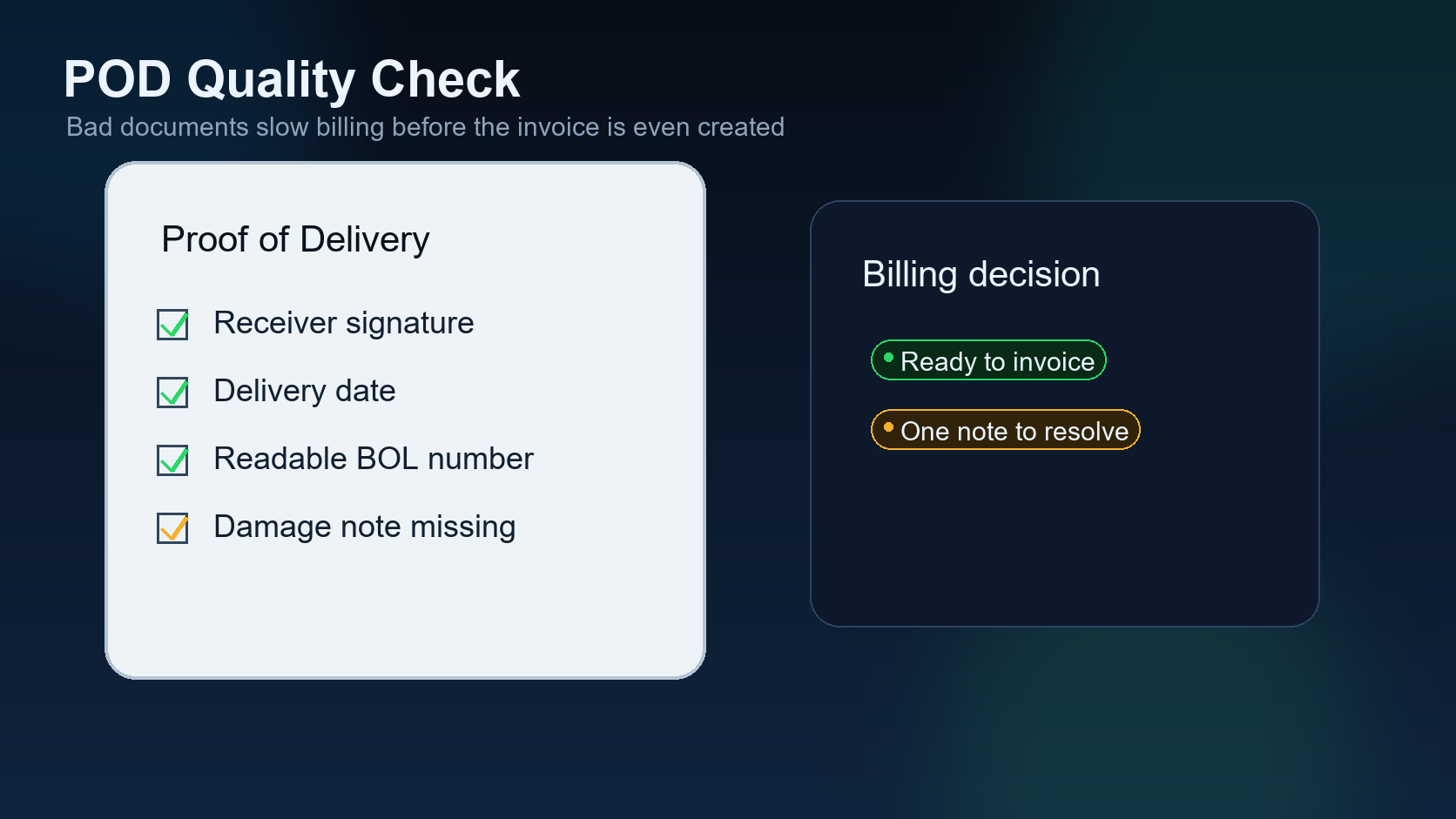
Proof of delivery should be uploaded, named, and tied to the correct load. A photo in a text thread is not enough if the office cannot find it later. The document needs to be part of the load record.
3. Check document quality
A POD should be readable, complete, and matched to the load. If the signature, date, load number, or consignee information is missing, the system should flag the issue before invoice creation.
4. Match the invoice to the rate
The invoice amount should match the approved rate confirmation plus any approved accessorials. If detention, lumper, TONU, layover, or other charges are included, the supporting evidence should be connected.
5. Audit before sending
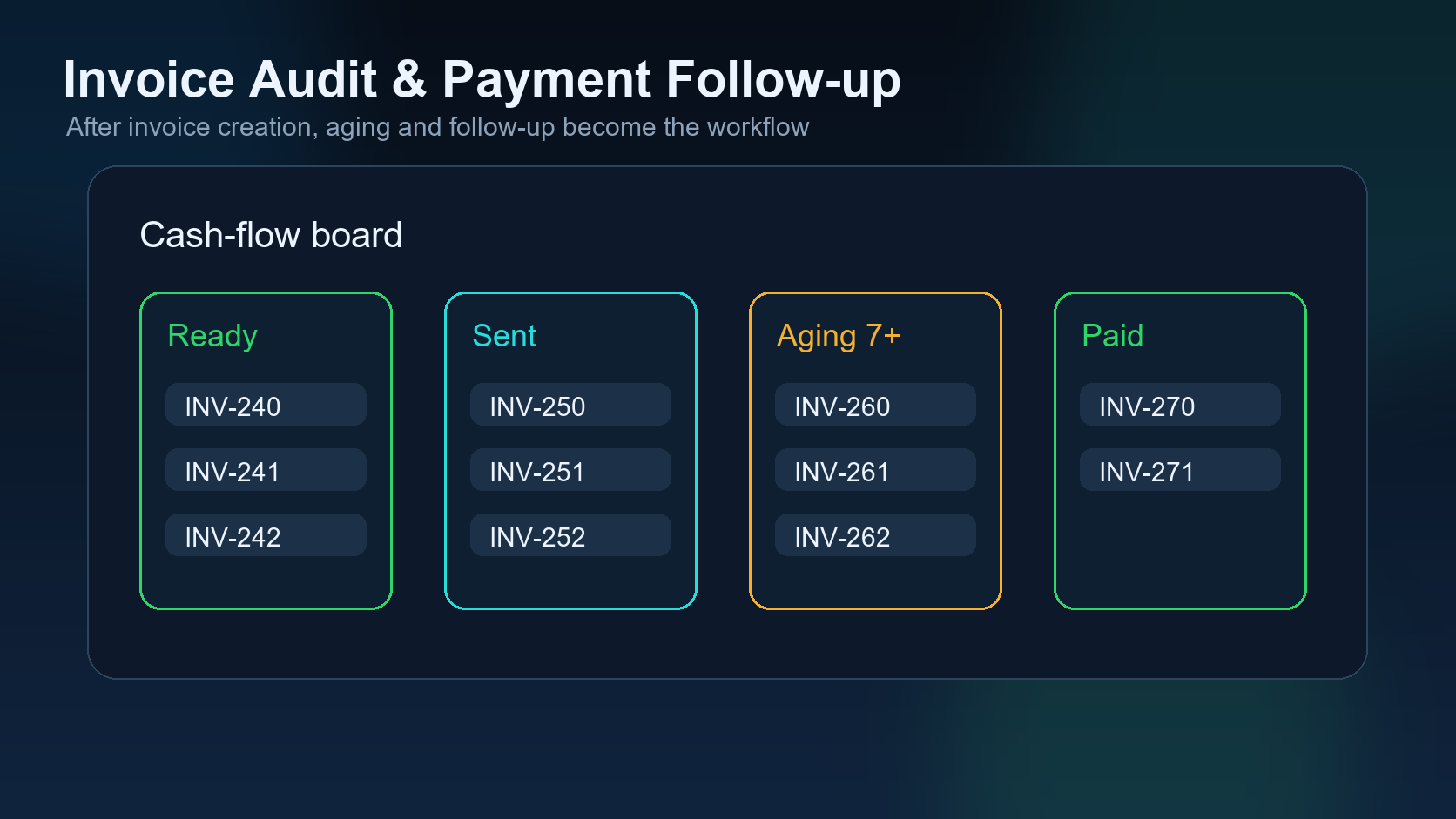
Invoice audit is a guardrail. It checks whether the payload changed after approval, whether documents are present, and whether the total is reasonable. This protects both the carrier and the dispatcher.
6. Track payment follow-up
After the invoice is sent, the system should track due dates, reminders, and payment status. Follow-up should be professional and consistent, not dependent on someone remembering at the end of the week.
7. Close the load only when payment is done
Paid closeout should mean the invoice is paid, the documents are stored, and the load record is complete. Closing too early hides open money. Closing too late creates clutter.
Where AI fits
AI can compare documents, summarize missing items, draft payment reminders, and flag mismatches. The important part is that invoice creation and paid closeout remain controlled by verified data and human approval.
The final article in this part of the series looks at the communication layer: email, SMS, WhatsApp, and voice calls.
Field example: delivery is finished, but cash flow is not protected yet
A driver may deliver on time, send a photo of the POD, and move to the next load. That still does not mean the back office is ready to invoice. The document may be blurry, missing a signature, missing pages, or saved in a message thread where accounting will not find it later. POD to invoice workflow exists to close that gap.
The best time to protect cash flow is immediately after delivery, while the driver and documents are still fresh.
POD to invoice checklist
| Step | What to verify | Why it matters |
|---|---|---|
| POD received | All pages visible and readable. | Prevents broker rejection. |
| Delivery confirmed | Date, signature, receiver notes. | Supports clean billing. |
| Accessorials captured | Detention, lumper, layover, TONU if applicable. | Protects earned revenue. |
| Invoice packet created | Rate con, POD, invoice, references. | Speeds payment and reduces follow-up. |
FAQ
Should invoicing wait until the end of the week? Not if the paperwork is complete. The faster the clean invoice packet goes out, the faster payment follow-up can begin.
Related DIINI reading
Dispatcher takeaway: delivery is an operations handoff
Delivery is not the end of the dispatch workflow. It is the handoff from operations to billing. If that handoff is weak, the company can deliver the load correctly and still wait too long to get paid. The dispatcher should know whether POD is received, whether it is readable, whether accessorials are documented, and whether the invoice packet is ready.
Mini FAQ
What makes a POD invoice-ready? It should show the correct load, delivery date, receiver confirmation, signature or stamp where required, and all pages needed by the broker or factoring company.
What should happen if the POD is missing? The system should immediately assign a follow-up task to the dispatcher or driver before the load disappears into the next day’s work.
Cash-flow note for small carriers
For a small carrier, one delayed invoice can affect fuel planning, driver pay timing, factoring availability, and the ability to accept the next load confidently. That is why POD handling should be treated as a dispatch priority, not only an accounting task. The cleaner the delivery record is on the same day, the less time the team spends chasing documents later.